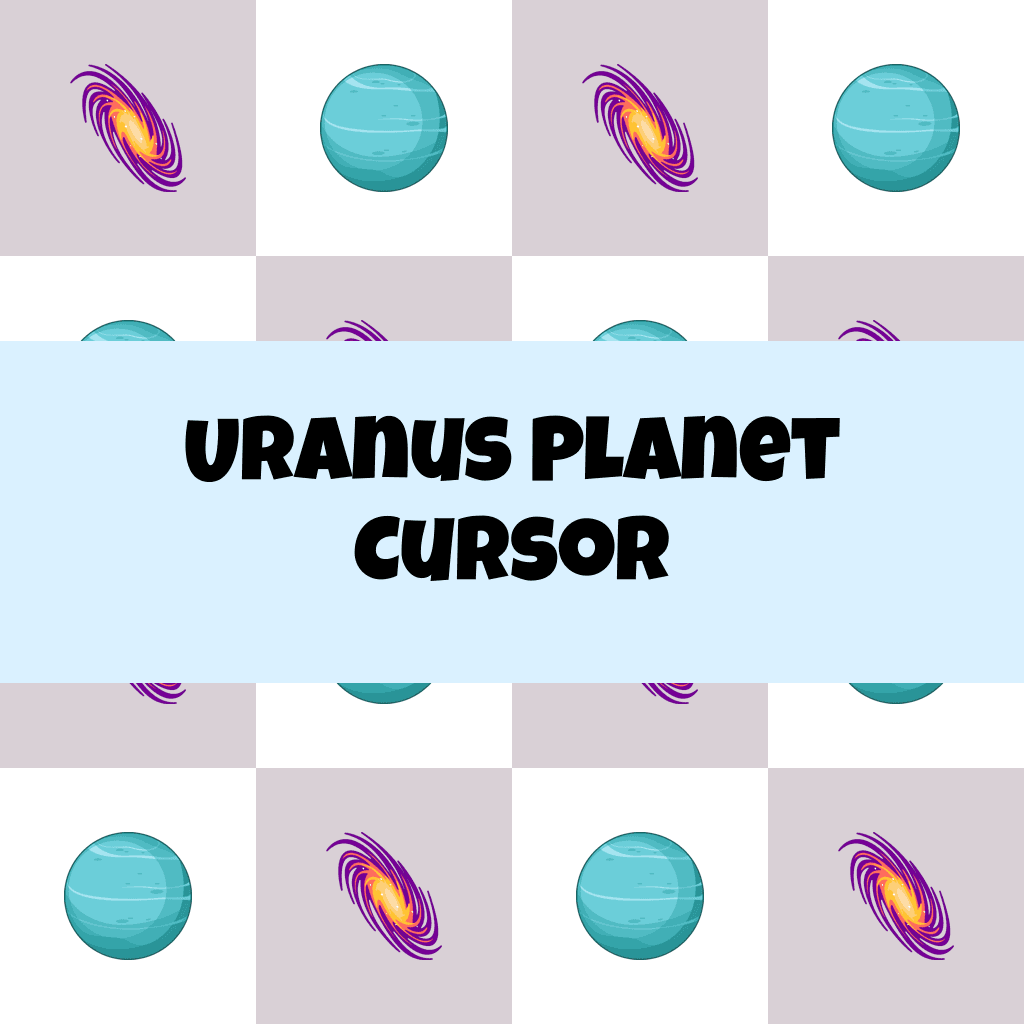
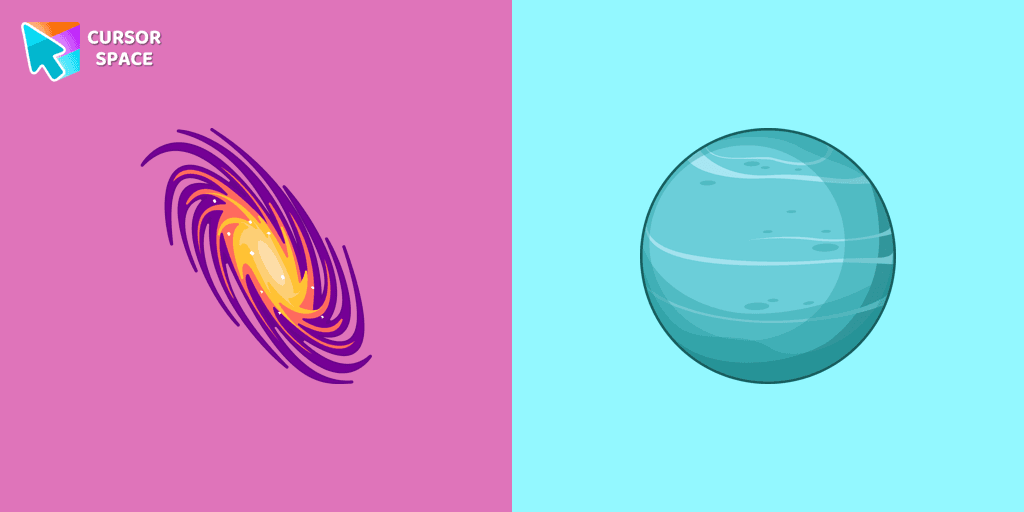
Uranus Planet Cursor

Uranus Planet cursor cursor pack
Preview Uranus Planet cursor custom cursor pack
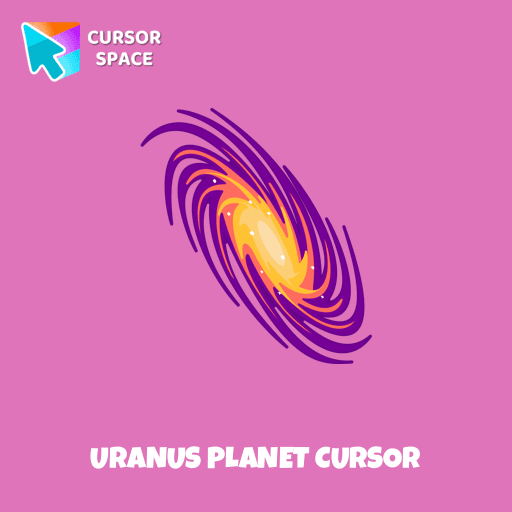
Uranus Planet cursor arrow cursor
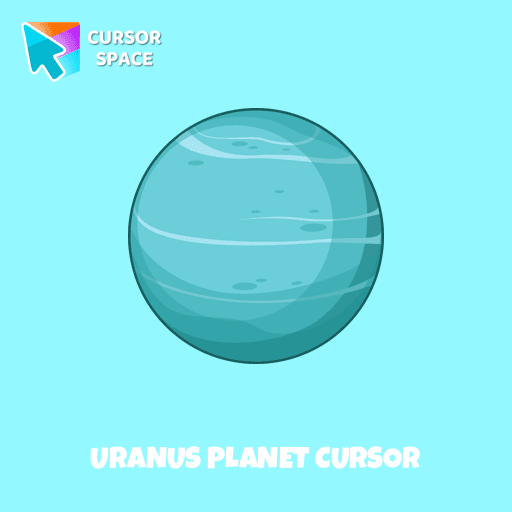
Uranus Planet cursor pointer cursor

Description

Explore the mysteries of the solar system with a custom cursor for Google Chrome. Uranus, the seventh planet from the Sun, comes to life with our well-designed custom galaxy cursor. Transform your browsing experience with the Space custom cursors collection, featuring unique and captivating designs. Add a touch of space exploration to your screen and make your cursor stand out today.

This is an excellent choice for astronomy enthusiasts and individuals who appreciate distinctive and engaging browsing experiences.

What's included in the package

  • Default Cursor
  • Pointer (Hand)

How to install a custom cursor pack Uranus Planet Cursor
  1. Install the Cursor Space extension for Chrome or Cursor Space for Edge in your browser.

  2. On this page, click "Add this cursor pack to the extension".

  3. Open the extension and go to the Packs tab.

  4. Find the custom cursor pack "Uranus Planet cursor" and click it.

  5. Enjoy!

Ready to install?

Get this cursor pack and thousands of others by installing our extension. It's fast and free!

About this cursor pack

Uranus Planet Cursor is a themed cursor pack you can add to your browser to personalize your pointer across common cursor states (default and pointer). Use it for everyday browsing, streaming, studying, or gaming-anywhere you want your cursor to match your vibe.

Instant preview

See how the cursors look before installing.

Easy install

Add the pack to the extension in a few clicks.

Works in your browser

Designed for Chrome and Edge via the extension.

FAQ

Quick answers to common questions about cursor packs, collections, and installation.

Do I need an extension?

Yes. To apply cursor packs in Chrome or Edge, install the Cursor Space extension and add this pack to it.

Which browsers are supported?

Cursor packs are designed for Chromium browsers like Chrome and Microsoft Edge.

How do I switch back to the default cursor?

Open the extension, choose another pack or disable the current one to return to your default cursor.

Popular cursors today

Custom cursor and packs - neon, anime, pixel art. Quickly add to Chrome and Microsoft Edge for free

  • TOP 1
    Waddle Dee cursor

    Waddle Dee cursor

    (208)
    Free

    Introducing the Waddle Dee custom cursor from our Games collection of cute cursors.

  • TOP 2
    Mechanical cursor

    Mechanical cursor

    (247)
    Free

    Upgrade your desktop with the Mechanical custom cursor, a sleek blend of technology and elegance for a futuristic browsing experience.

  • TOP 3
    Oreo Spark Red Cursors

    Oreo Spark Red Cursors

    (190)
    Free

    Transform your desktop with Oreo Spark Red custom cursors for Chrome. Add vibrant flair and energy to your digital experience today!

  • Oreo spark pink cursors

    Oreo spark pink cursors

    (203)
    Free

    Add flair to your Chrome with Oreo Spark Pink custom cursors—perfect for a playful digital experience!

  • Oreo spark light pink cursors

    Oreo spark light pink cursors

    (195)
    Free

    Discover Oreo Spark Light Pink custom cursors for Chrome. Add a feminine touch to your desktop with these elegant, soothing designs.

  • Oreo spark dark Сursors

    Oreo spark dark Сursors

    (224)
    Free

    Explore custom cursor collections featuring Oreo Spark Dark, Star Wars, and more. Personalize your interface today!

  • Diamond and crown cursors

    Diamond and crown cursors

    (323)
    Free

    Elevate your desktop with Diamond and Crown Cursors, a custom cursor for Google Chrome. Add elegance and luxury with beautifully crafted diamond and crown designs.

  • Christmas Fox Pixel cursor

    Christmas Fox Pixel cursor

    (62)
    Free

    Christmas Fox cursor in pixel style from our Merry Christmas and Happy New Year cursors collection for Chrome is perfect for you.

  • Bibata Modern Amber Cursor

    Bibata Modern Amber Cursor

    (97)
    Free

    Upgrade your desktop with the Bibata Modern Amber custom cursor—stylish, sleek, and functional, offering enhanced visibility and a unique amber touch.

  • Among Us Kakashi Hatake Character cursor

    Among Us Kakashi Hatake Character cursor

    (270)
    Free

    Introducing the Cute Among Us Kakashi Hatake Character Cursor: A Perfect Blend of Two Favorites!

  • The Pug Pixel cursor

    The Pug Pixel cursor

    (66)
    Free

    Custom cursors with Pug Pixel are a great option in a Cute Pixel cursor collection.

  • The Moon Texture cursor

    The Moon Texture cursor

    (173)
    Free

    Explore the wonders of the universe right from your screen with the Moon Texture custom cursor for Google Chrome designed to inspire your cosmic curiosity.

Collection hits

Installation leaders from "Custom Space Cursors": free packs, neon/anime/pixel art, quick add to Chrome and Edge.

  • TOP 1
    Brave Astronaut cursor

    Brave Astronaut cursor

    (23)
    Free

    The well-designed Astronaut custom mouse cursor from our collection of custom space fiction mouse cursors.

  • TOP 2
    Astronaut cursor

    Astronaut cursor

    (21)
    Free

    A well-designed custom cursor in the form of a constellation, from our fantastic collection of solar system cursors with planets and space.

  • TOP 3
    Friendly Alien cursor

    Friendly Alien cursor

    (16)
    Free

    A well-designed custom cursor in the form of a flying UFO, from our fantastic collection of solar system cursors with planets and space.

Install Cursor Space - A Collection of Custom Cursors for Chrome & Edge

Add packs instantly and unlock access to thousands of cursors: neon, anime, pixel-art, and more. Fast, safe, and free.

  • Free cursor packs
  • HD/HiDPI & animated icons
  • Quick browser installation

Cursor Space is an extension for changing your mouse cursor in Chrome and Edge browsers: themed collections, HiDPI icons, neon, animated, and pixel cursors, with quick installation.

Install Extension

To use packs with one click, you need our free browser extension. Install it and come back!