Lefty Cursor

Lefty cursor cursor pack
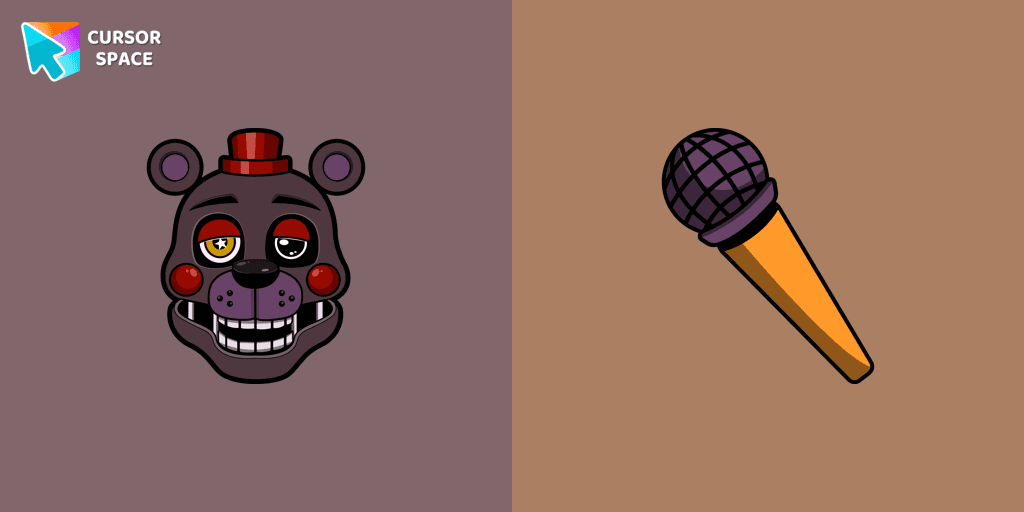
Preview Lefty cursor custom cursor pack
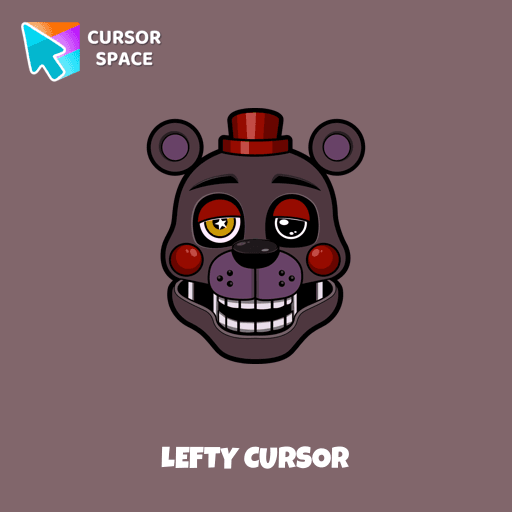
Lefty cursor arrow cursor
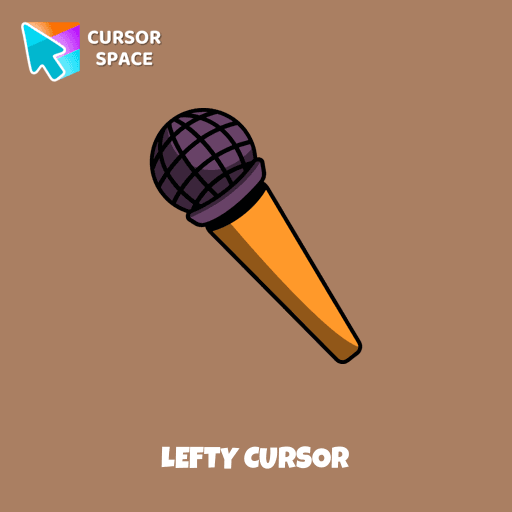
Lefty cursor pointer cursor

Description

Outwardly, the character is very much like Rockstar Freddy, an anthropomorphic animatronic bear of black and gray color. Lefty cursor item is a pretty designed set of mouse cursors with a stylish hover.

What's included in the package

  • Default Cursor
  • Pointer (Hand)

How to install a custom cursor pack Lefty Cursor

  1. Install the Cursor Space extension for Chrome or Cursor Space for Edge in your browser.

  2. On this page, click "Add this cursor pack to the extension".

  3. Open the extension and go to the Packs tab.

  4. Find the custom cursor pack "Lefty cursor" and click it.

  5. Enjoy!

Ready to install?

Get this cursor pack and thousands of others by installing our extension. It's fast and free!

About this cursor pack

Lefty Cursor is a themed cursor pack you can add to your browser to personalize your pointer across common cursor states (default and pointer). Use it for everyday browsing, streaming, studying, or gaming-anywhere you want your cursor to match your vibe.

Instant preview

See how the cursors look before installing.

Easy install

Add the pack to the extension in a few clicks.

Works in your browser

Designed for Chrome and Edge via the extension.

FAQ

Quick answers to common questions about cursor packs, collections, and installation.

Do I need an extension?

Yes. To apply cursor packs in Chrome or Edge, install the Cursor Space extension and add this pack to it.

Which browsers are supported?

Cursor packs are designed for Chromium browsers like Chrome and Microsoft Edge.

How do I switch back to the default cursor?

Open the extension, choose another pack or disable the current one to return to your default cursor.

Popular cursors today

Custom cursor and packs - neon, anime, pixel art. Quickly add to Chrome and Microsoft Edge for free

  • TOP 1
    Water Texture cursor

    Water Texture cursor

    (273)
    Free

    Water is interesting because it can be in different forms. It can be solid like ice, gas like steam, and even turned into a special cursor for your mouse.

  • TOP 2
    On the contrary cursor

    On the contrary cursor

    (188)
    Free

    Enjoy a fun twist with the On the Contrary custom cursor for Google Chrome. This witty cursor moves opposite to your mouse, perfect for a light-hearted prank.

  • TOP 3
    Burger Texture cursor

    Burger Texture cursor

    (403)
    Free

    The Burger Texture cursor is a distinctive and entertaining option for Chrome users who enjoy personalizing their browsing experience with custom cursors.

  • Ganyu cursor

    Ganyu cursor

    (58)
    Free

    Ganyu custom cursor for a mouse is good fan art to decorate your browsing.

  • Black Resin Texture cursor

    Black Resin Texture cursor

    (212)
    Free

    Upgrade your browsing with the Black Resin custom cursor for Google Chrome. Sleek and stylish, it adds a sophisticated touch to your screen. Try it now.

  • Among Us Son Goku Character cursor

    Among Us Son Goku Character cursor

    (1.3k)
    Free

    The Among Us Son Goku Character cursor is an exciting addition to the browser cursor collection.

  • Labyrinth cursor

    Labyrinth cursor

    (447)
    Free

    Transform your screen with our unique labyrinth custom cursor, perfect for adding timeless intrigue to your journey.

  • Hello Kitty and Strawberry cursor

    Hello Kitty and Strawberry cursor

    (186)
    Free

    You can are able to select different outfits for your custom cursor with Hello Kitty to customize the looking.

  • Fliqpy cursor

    Fliqpy cursor

    (3.4k)
    Free

    Fliqpy custom cursor for Google Chrome brings the dark side of Happy Tree Friends to your screen, featuring his weapon as a hover pointer for a sinister touch.

  • Among Us Dragonite Character cursor

    Among Us Dragonite Character cursor

    (153)
    Free

    Unleash the Power of the Among Us Dragonite Character Cursor: A Fusion of Mystery and Mythical Charm

  • Xiangling cursor

    Xiangling cursor

    (52)
    Free

    Now you can get a Genshin Impact cursor with Xiangling for your browser.

  • Tourmaline Texture cursor

    Tourmaline Texture cursor

    (199)
    Free

    Enhance your browsing with the Tourmaline Texture custom cursor. This custom cursor for Google Chrome brings the vibrant beauty of pink tourmaline to your screen.

Install Cursor Space - A Collection of Custom Cursors for Chrome & Edge

Add packs instantly and unlock access to thousands of cursors: neon, anime, pixel-art, and more. Fast, safe, and free.

  • Free cursor packs
  • HD/HiDPI & animated icons
  • Quick browser installation

Cursor Space is an extension for changing your mouse cursor in Chrome and Edge browsers: themed collections, HiDPI icons, neon, animated, and pixel cursors, with quick installation.

Install Extension

To use packs with one click, you need our free browser extension. Install it and come back!